

Gary Albert, better known online as the HDMI Guy, is the editor of HDMI RF Modulator, a practical resource for people trying to make old-school video equipment work with modern TVs, displays, and home entertainment systems.
If you have an older DVD player and a newer TV, connecting the two can be surprisingly awkward. Many DVD players were designed to use the familiar red, white, and yellow A/V cables, while modern televisions increasingly leave those connections out in favor of HDMI. Fortunately, you usually don’t need to replace either device. The solution is to convert the DVD player’s older video output into a format your TV can accept.
Check the Connections on Both Devices
Before buying anything, look at the ports on the back or side of your DVD player and TV.
An older DVD player will typically have composite A/V outputs: a yellow jack for video and red and white jacks for right and left audio. Some players also have component video outputs, usually colored red, green, and blue, or an S-Video connection.
Your TV may have HDMI ports but no traditional A/V inputs. If that’s the case, you’ll need a converter that changes the DVD player’s analog signal into HDMI.
Use an RCA-to-HDMI Converter
For most people, an RCA-to-HDMI converter is the easiest answer. These inexpensive devices accept the DVD player’s red, white, and yellow RCA cables on one side and provide an HDMI output on the other.
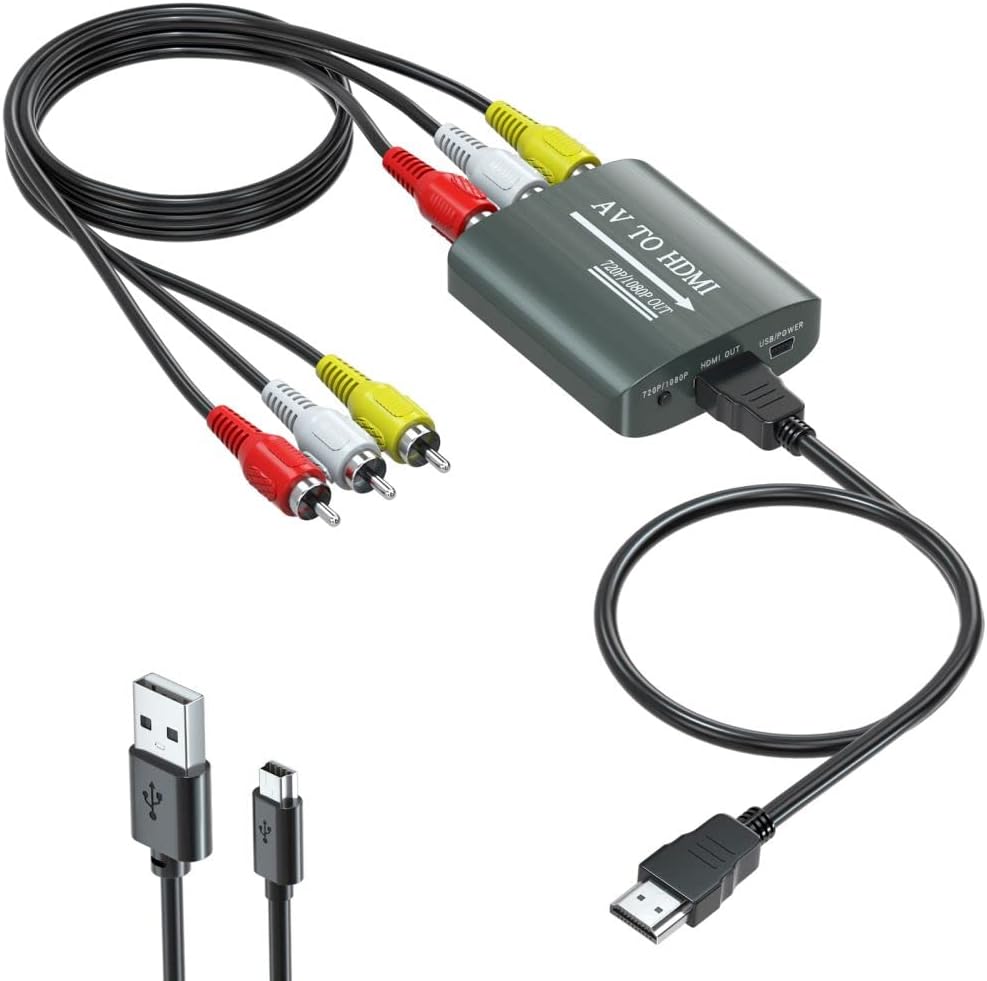
Connect the yellow DVD video output to the converter’s yellow input. Then connect the red and white audio outputs to the matching inputs on the converter.
Next, connect an HDMI cable from the converter’s HDMI output to an available HDMI port on your TV.
Most RCA-to-HDMI converters also require power, usually through a USB cable. You may be able to plug this into a USB port on the TV, although a USB wall adapter can also be used.
Once everything is connected, turn on the DVD player, converter, and television. Use the TV remote to select the HDMI input you connected the converter to. The DVD player’s picture and sound should appear.
Make Sure You Buy the Right Converter
Pay attention to the direction of conversion. You need an RCA-to-HDMI (or AV-to-HDMI – same thing) converter.
An HDMI-to-RCA converter looks very similar but does the opposite job. It is intended to connect a newer HDMI device to an older television. These converters generally aren’t reversible, so buying the wrong one won’t solve the problem.
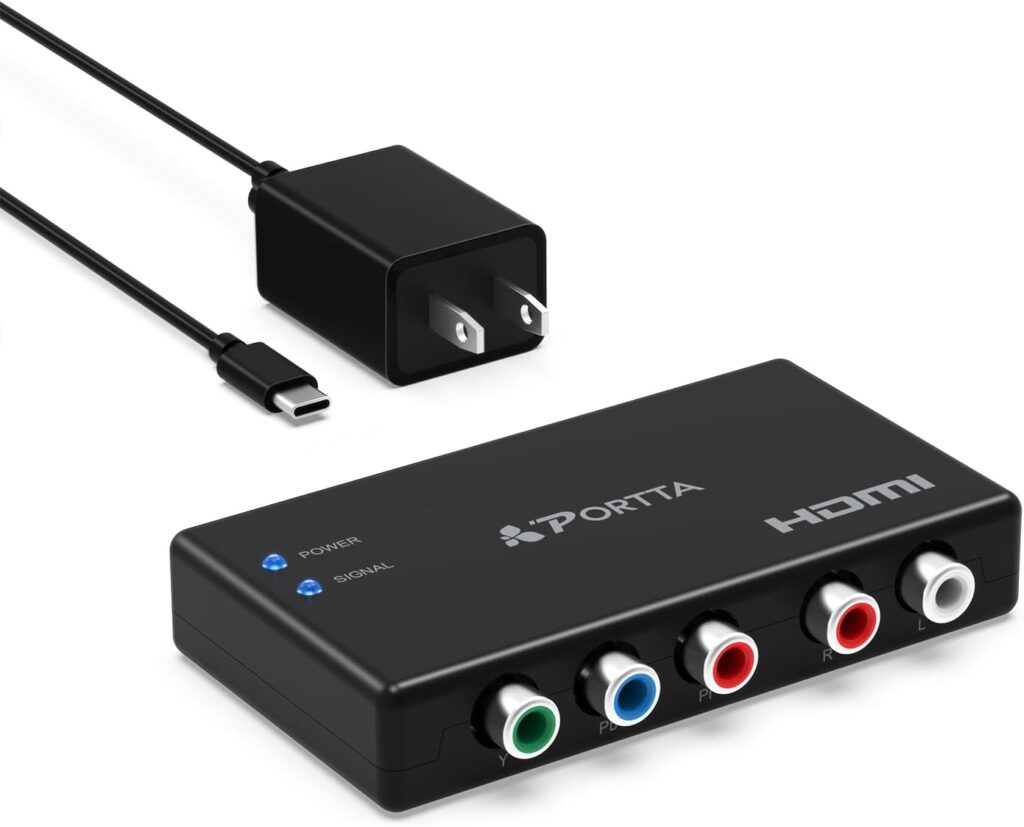
If your DVD player has component video outputs instead of composite outputs, you can use a component-to-HDMI converter instead. Component video can also provide better picture quality.
What If the DVD Player Has HDMI?
Check carefully before buying a converter. Some later DVD players include an HDMI output even if they also have the older A/V jacks. If yours does, simply connect it directly to the TV with an HDMI cable. No converter is necessary.
Don’t Expect HD Picture Quality
Converting an older DVD player’s analog output to HDMI makes it compatible with a newer television, but it doesn’t turn the picture into true high definition. Standard DVDs were designed for much lower resolutions than today’s HD and 4K televisions.
The converter may upscale the signal so the TV can display it properly, but the underlying picture quality remains limited by the DVD and player.
Still, for watching an old movie collection, home videos, or discs that aren’t available through streaming services, an inexpensive A/V-to-HDMI converter can keep a perfectly usable DVD player working with a modern TV for years to come.